

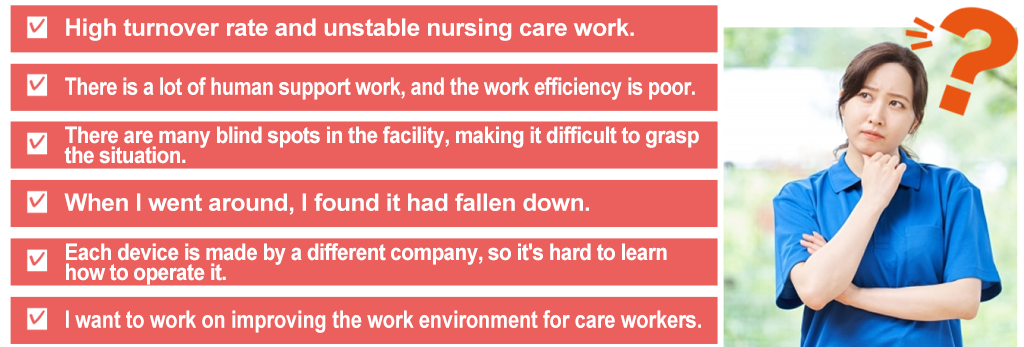
Do you have any of these concerns?

Happiness KIZUNA solves everything
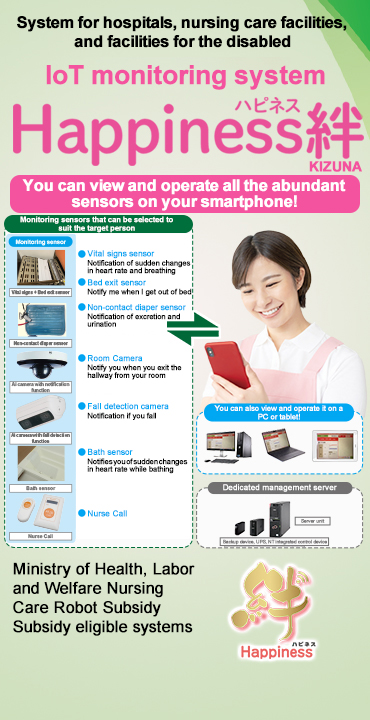
Happiness KIZUNA sensor introduction
Since it is a non-contact sensor, it is safe and does not cause stress to the subject.
Vital sensor A Vital sensor B
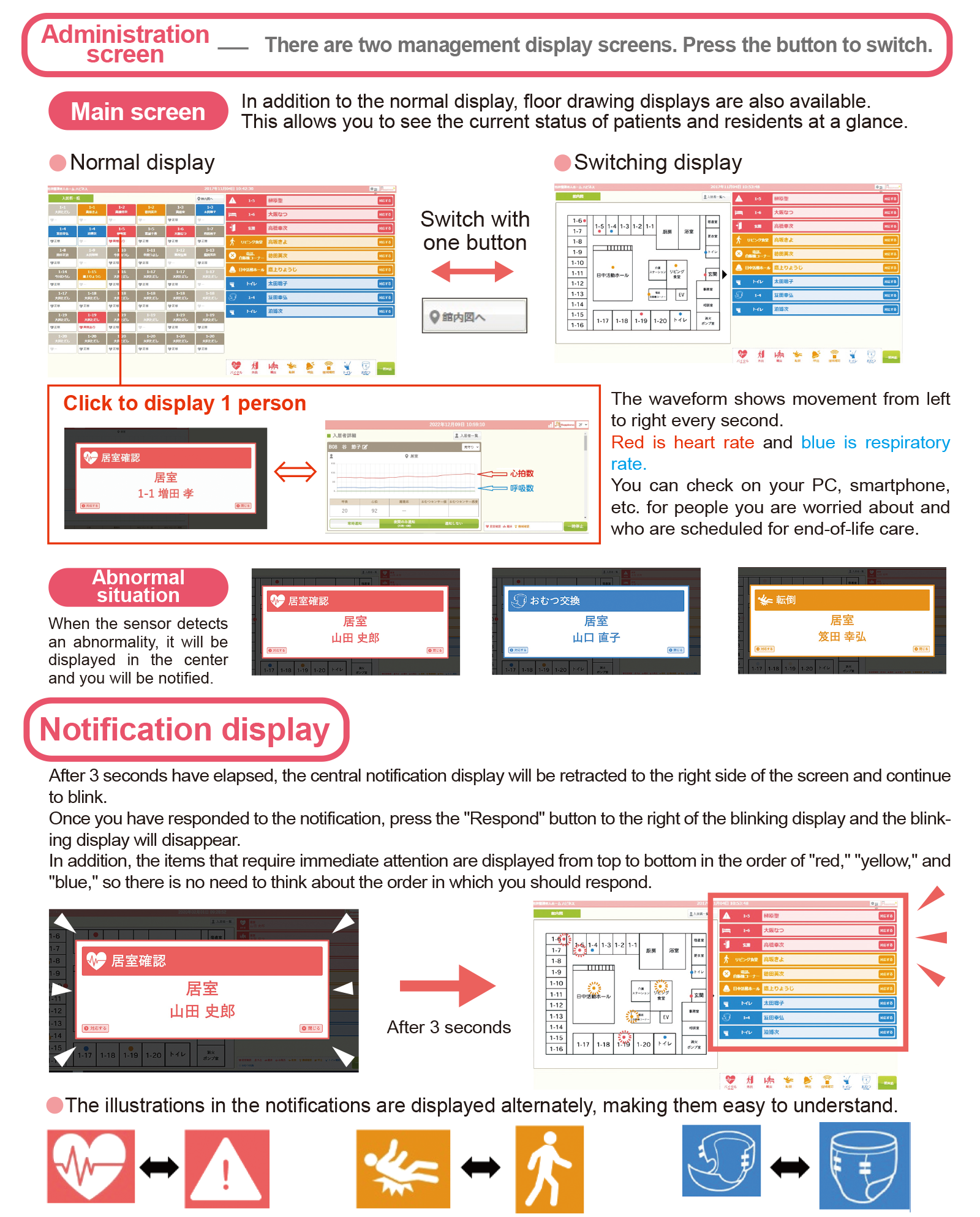
Check heartbeat/respiration with waveforms
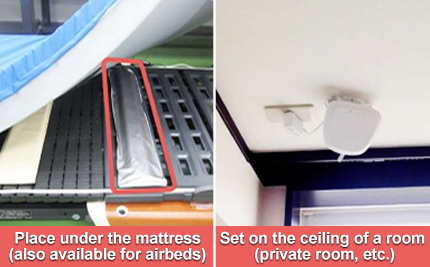
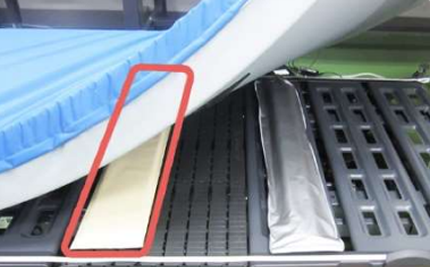
The sensor is set under the mattress.
Heart rate and breathing can be checked as waveforms and numerical values 24 hours a day, 365 days a year.
An alert will sound if the heart rate or breathing rate falls outside the set threshold.
Even if a person passes away during the night, the time and circumstances are recorded, so it is possible to find out when they passed away.
Bed exit sensor
Notification of bed leaving
The sensor is set under the mattress.
It will alert you if you get up from the bed.
It will not react if you turn over in bed.
Recommended for people who need assistance when getting out of bed.
*Can also be used simultaneously with the vital signs sensor.
Diaper sensor
Notification of excretion/urination
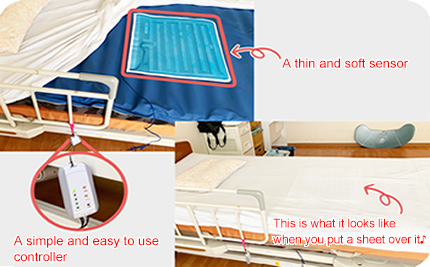
The sensors are placed on top of the mattress, under the sheets and under the user's bottom.
They are soft, sheet-type sensors that are just 0.35 mm thick.
An alert will sound if the user excretes or urinates in the diaper.
They are compatible with all disposable diapers.
What's more, they have 10 levels of sensitivity adjustment, so you can adjust the sensitivity to suit the user.
Other Happiness KIZUNA features
| Location confirmation | It is effective in dealing with wandering. The location can be pinpointed using GPS. It is suitable for dealing with lost children. |
| Fall Alert | It is impossible to predict where a fall will occur. What is important is how you respond after a fall. If you know that a fall has occurred, you can take some kind of action and deal with the situation if it worsens. |
| Abnormal room temperature sensing | Recently, there have been a lot of incidents of heat stroke. The cause is a decrease in temperature perception, such as hotness. By notifying you of abnormal values, it will help prevent heat stroke. |
| Call features | The person who notices changes in their physical condition is the person themselves. By letting them know right away if you notice something unusual, you can prevent it from becoming a serious problem. |
| Door open/close | One possible sign of wandering is leaving the room. In other words, you can check for wandering by opening and closing doors. |
| Toilet assistance call | When assistance with the toilet is needed, we can easily be called and we can quickly come to assist. |
We can also accommodate other requests.
We are still developing more useful sensors!
We can also accommodate other requests.
We are still developing more useful sensors!




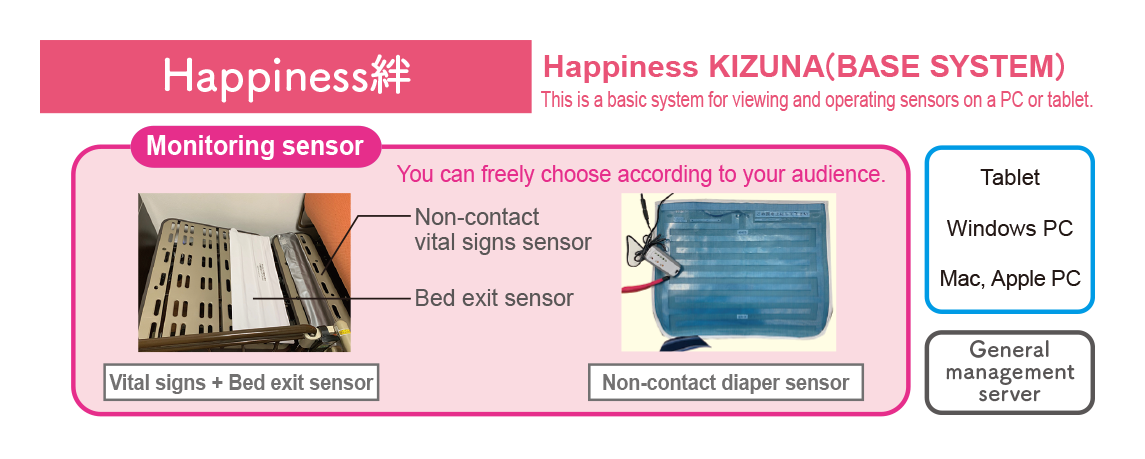
Non-contact vital signs sensor
Non-contact bed exit sensor
Non-contact diaper sensor
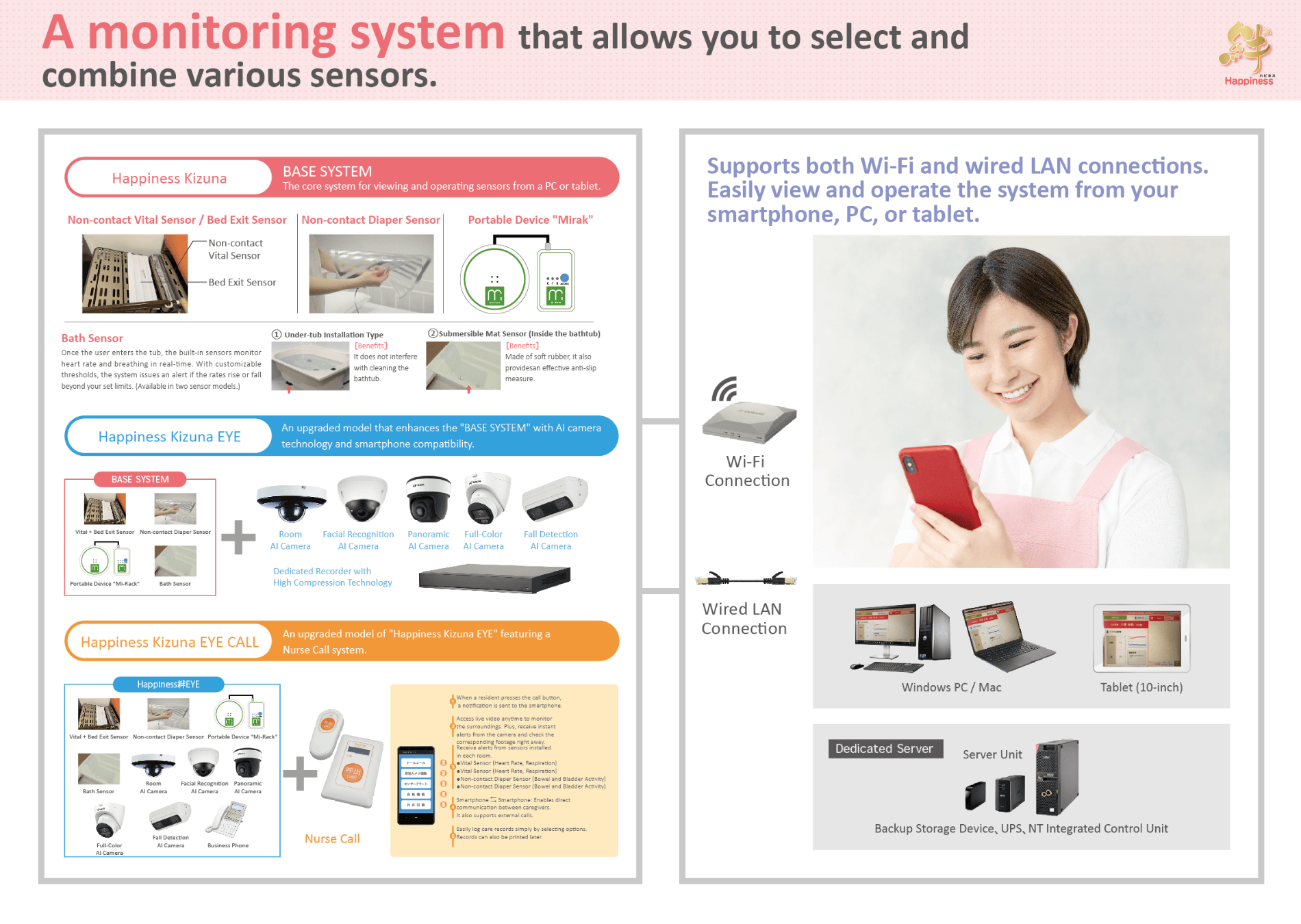
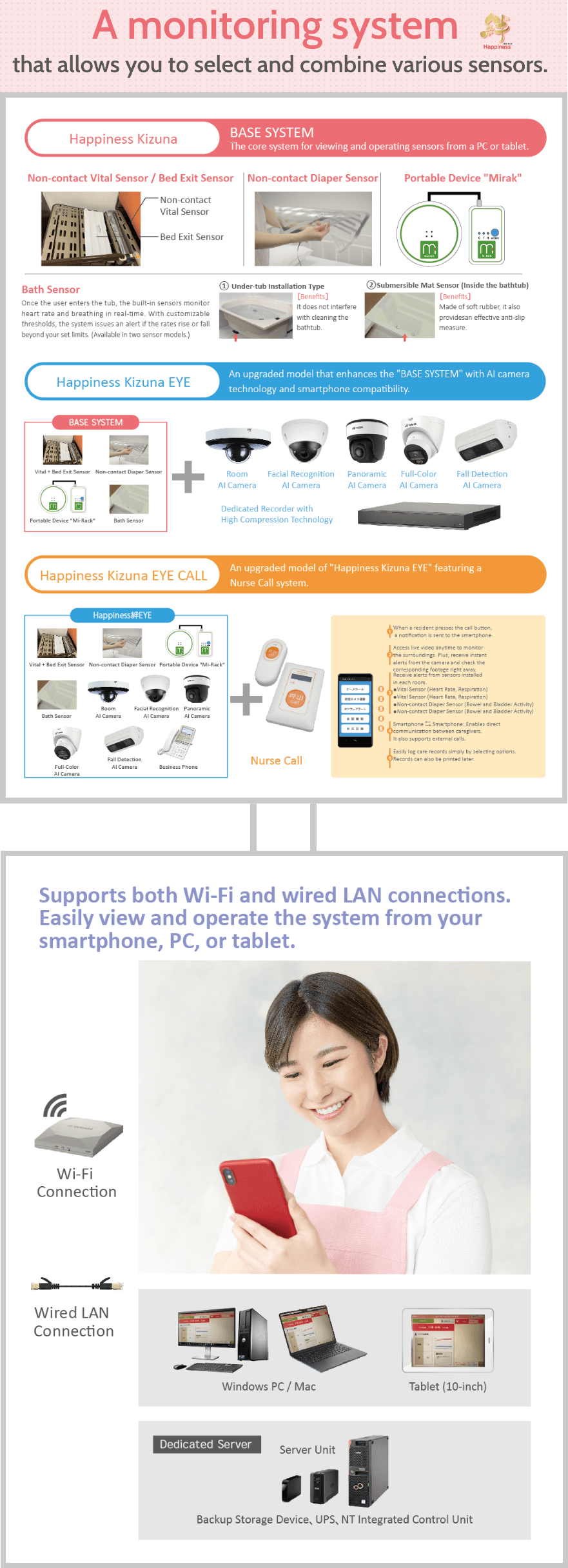
Happiness System configuration
Happiness System configuration
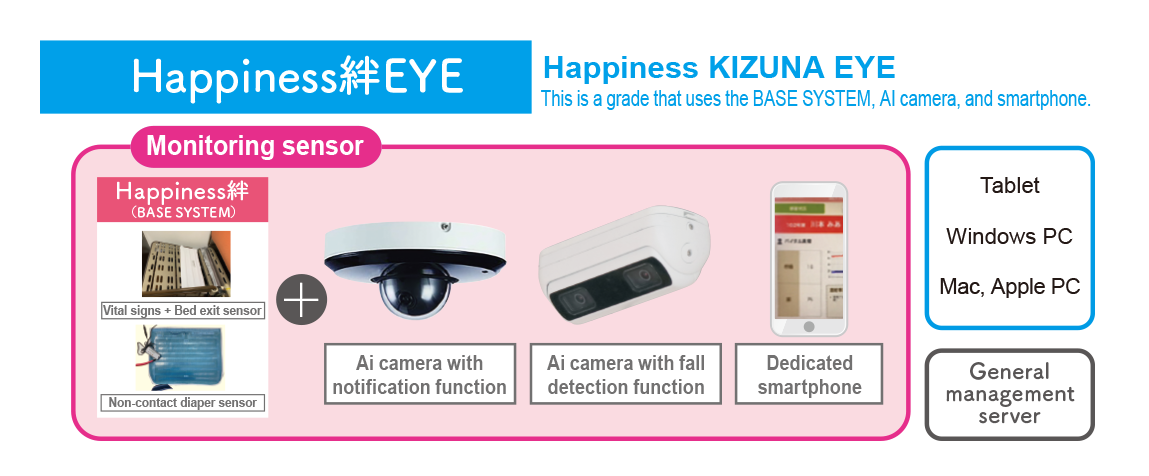
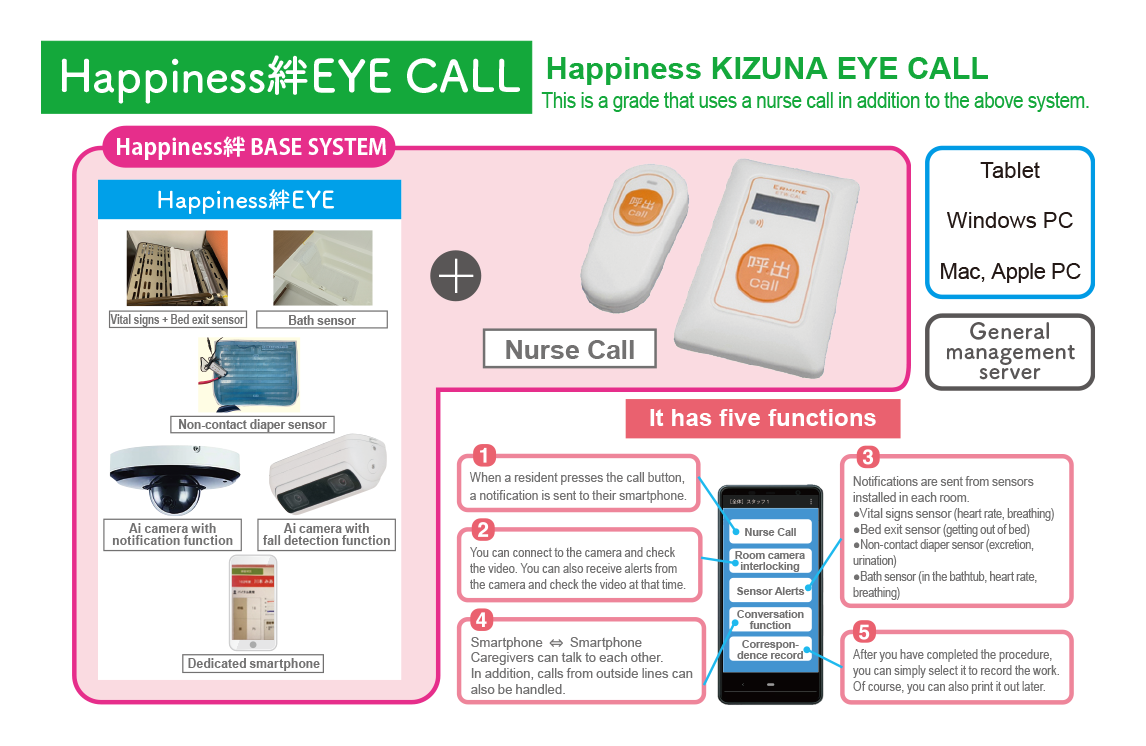
Introducing the new system
new system
"Happiness Kizuna" AI Camera Monitoring System
Transform Your Care Workflow with Smart Monitoring!

-
You rush to a room after a "bed exit" alert, only to find the resident sleeping soundly.
The reality... They had simply rolled over! -
You receive a nurse call, get no response via smartphone, and rush over to find them fast asleep.
The reality... They accidentally pressed the button in their sleep! -
You want to closely monitor a concerning resident, but struggle to balance it with other duties.
If only you could check on them remotely via smartphone or PC...

like this

Cameras can be freely selected.
Choose the optimal camera for your specific installation location.
-
Room
AI Camera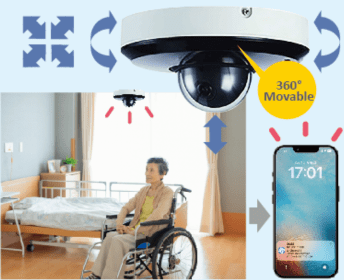
Easily pan, tilt, and zoom the camera directly from your smartphone. With full 360° movement, it provides comprehensive monitoring from every angle.
-
Facial Recognition
AI Camera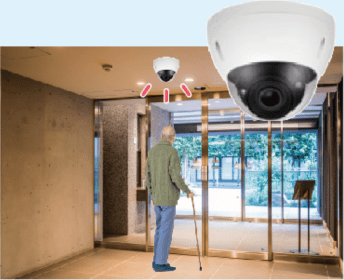
When pre-registered residents (such as those prone to wandering) approach the exit, the camera detects them and instantly sends an alert to your smartphone.
-
Panoramic
AI Camera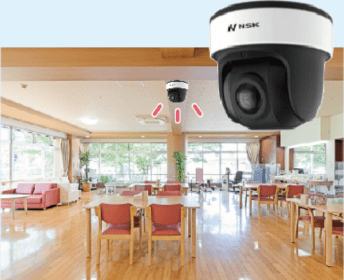
Delivers a highly realistic 360-degree panoramic view. Monitor residents' well-being as if you were right there in the room with them.
Full-Color
AI Camera
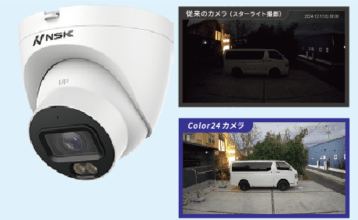
Unlike standard cameras that switch to black-and-white at night, this model provides continuous color footage 24/7. Enjoy peace of mind by capturing clear details that monochrome video might miss.
Fall Detection
AI Camera
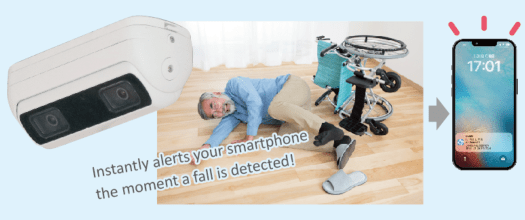
Dedicated Recorder Featuring High Compression Technology
Centralized management of all camera footage!
Freely switch camera views on the dashboard.
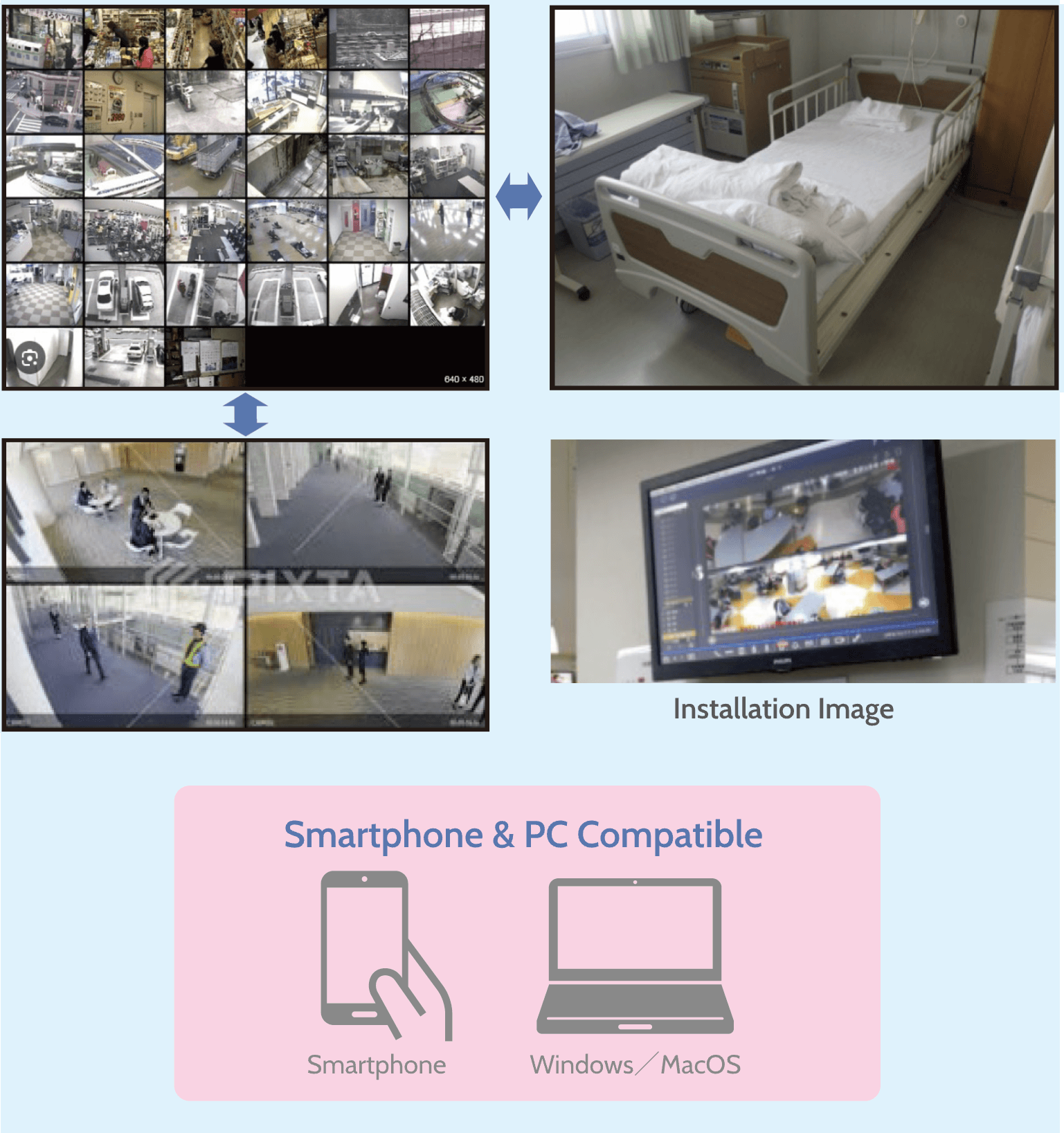
Records both video and audio
from all installed cameras directly to this unit!

Records video and audio 24/7.
If a resident experiences a fall, you can review the footage to determine exactly how and why it happened.
In the event of an injury (such as a facial injury from a fall), the footage can be shown to the resident's family to provide a clear, objective explanation of the situation.
Installation process
FLOW
STEP 01
Inquiry
Please contact us using the inquiry form or by phone.
STEP 02
Hearing and guidance
We will ask you for details about the current issues and plans for improvement.
We will then carry out an on-site survey to determine the specific installation location.
STEP 03
Proposal and quotation
We will create the best proposal and quotation based on the information we hear from you.
STEP 04
Contract and order
We will make the necessary contracts when placing an order.
After receiving your order form, we will schedule a rough date for installation.
STEP 05
Construction and network building work
We carry out the wiring and power supply work required for the system.
We also handle internet-related applications and activation procedures.
STEP 06
System Installation
Installation will be carried out by our specialized staff.
After installation is complete, we will carry out a functional test and provide operation guidance.
STEP 07
After-sale follow-up
After delivery, we will respond to any inquiries regarding operation or equipment malfunctions.
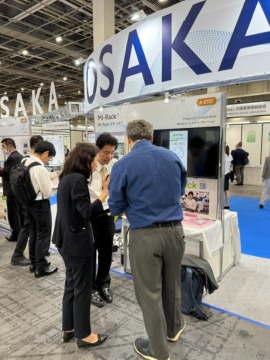
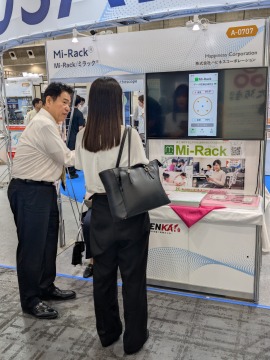
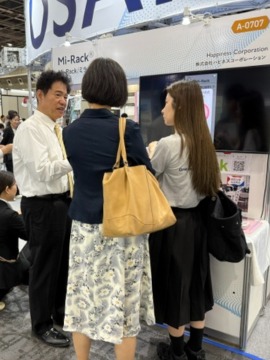
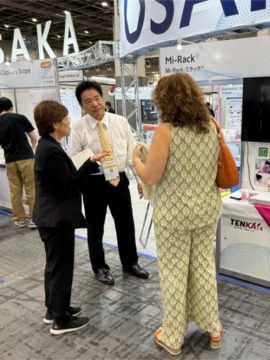
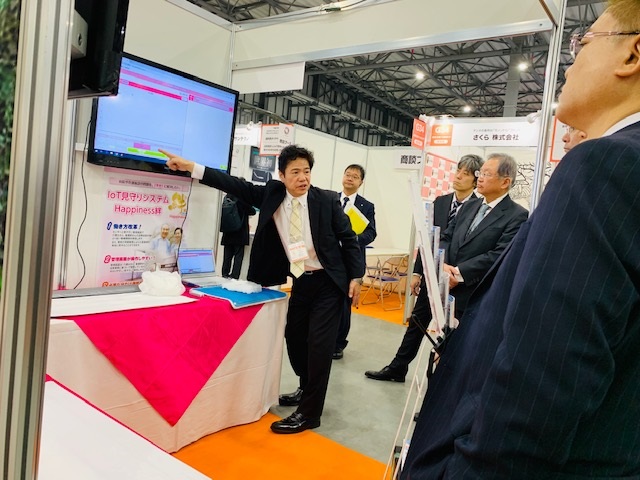
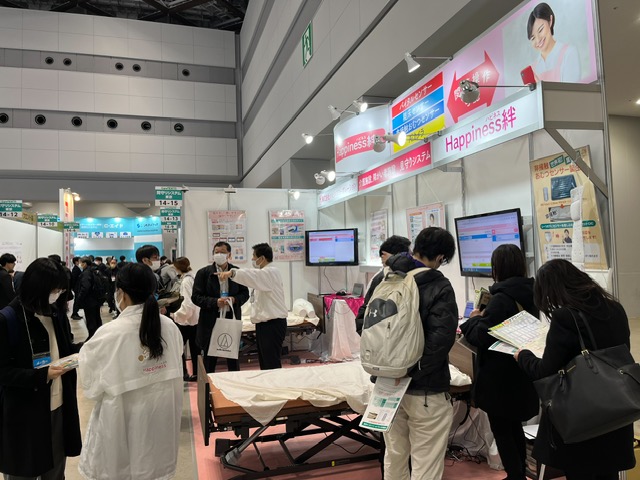
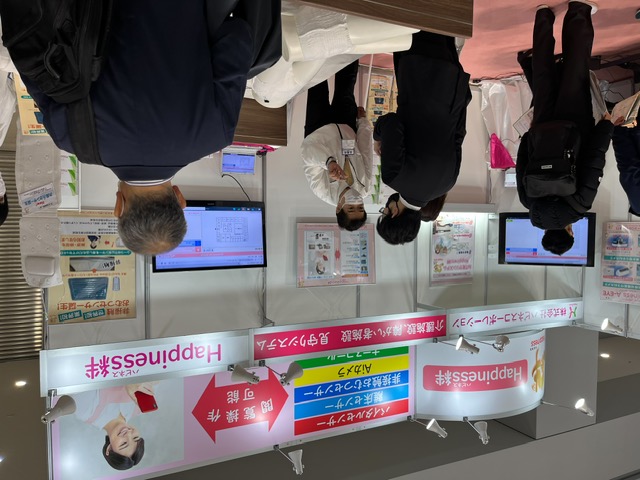
EXHIBITION
Exhibition Information

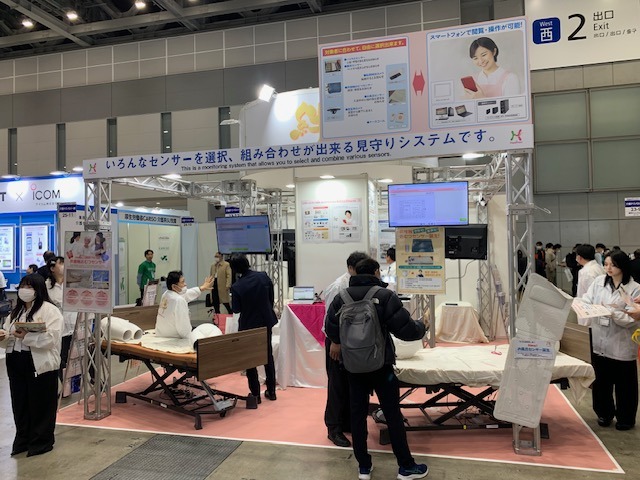
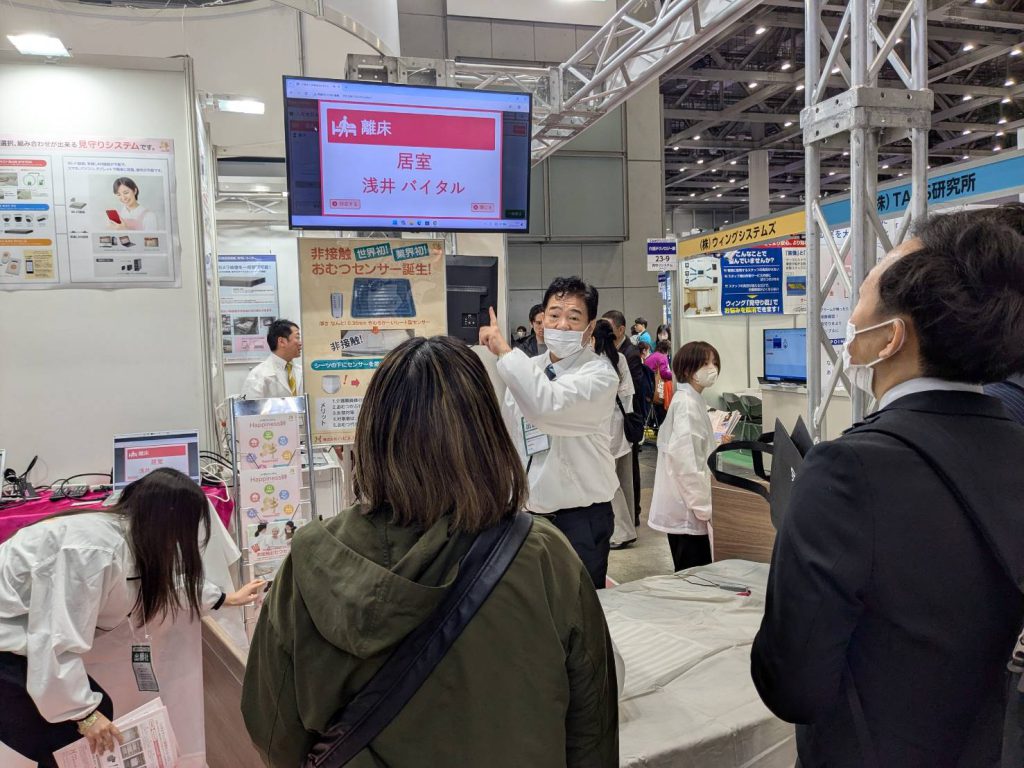
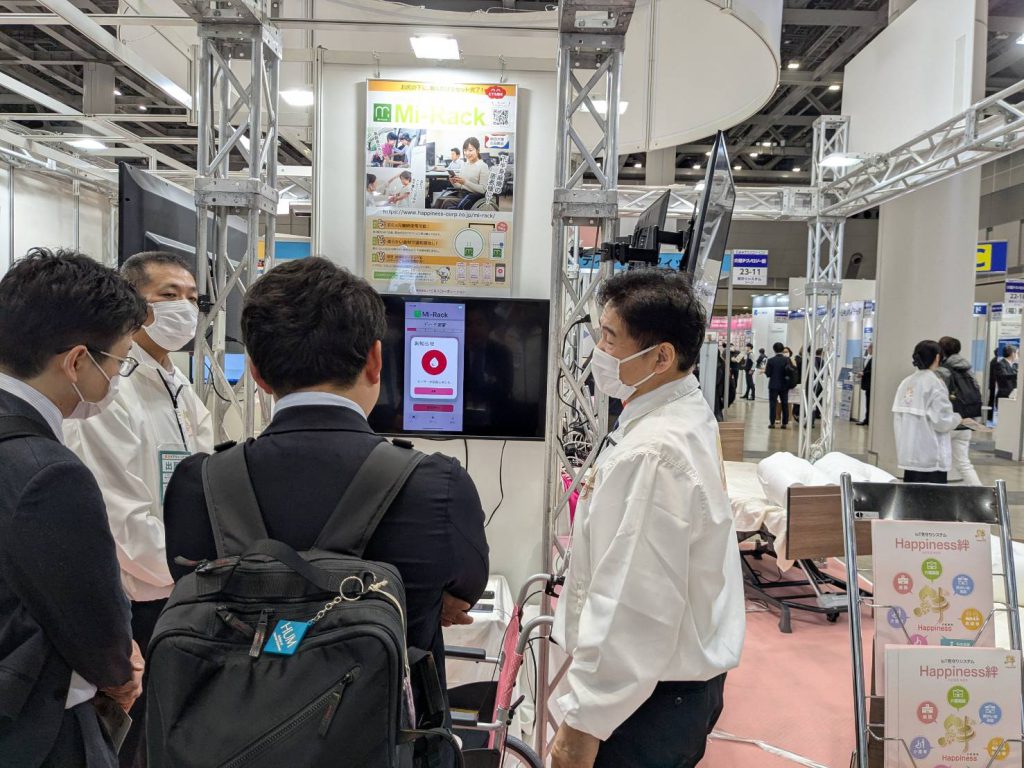
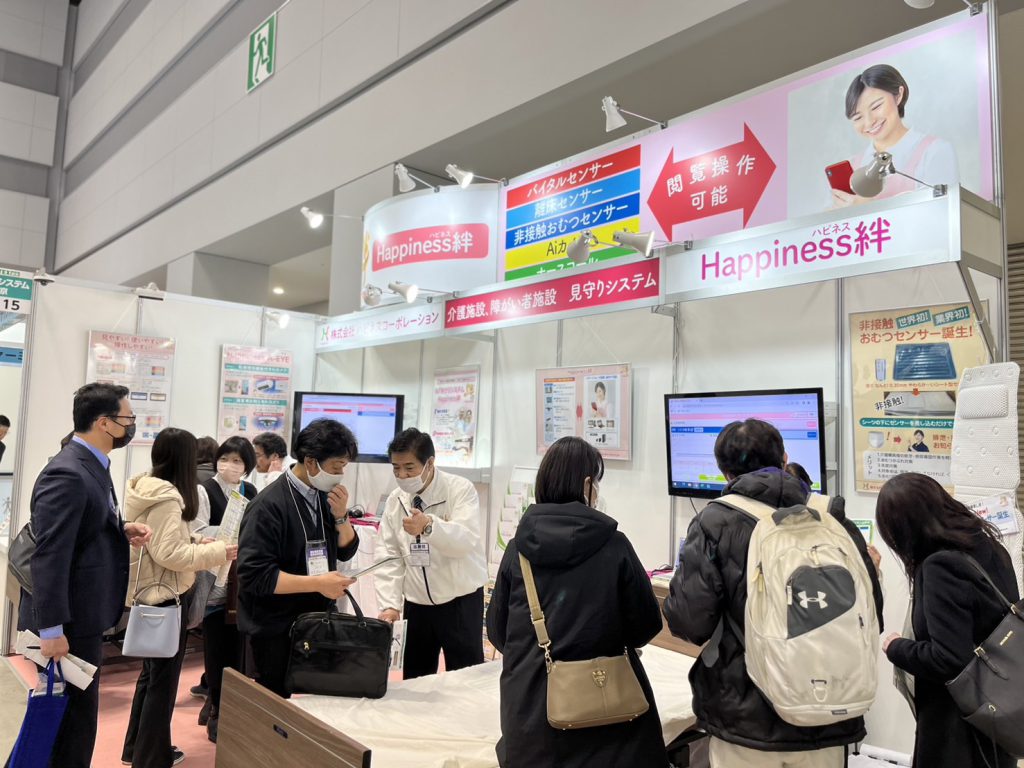
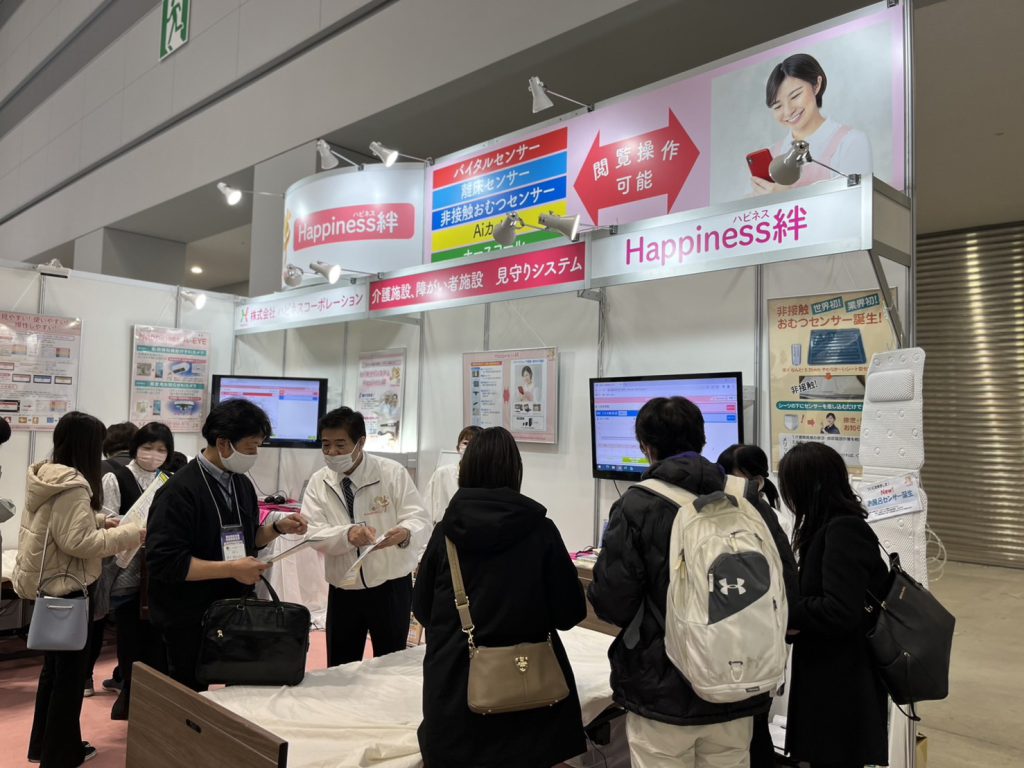
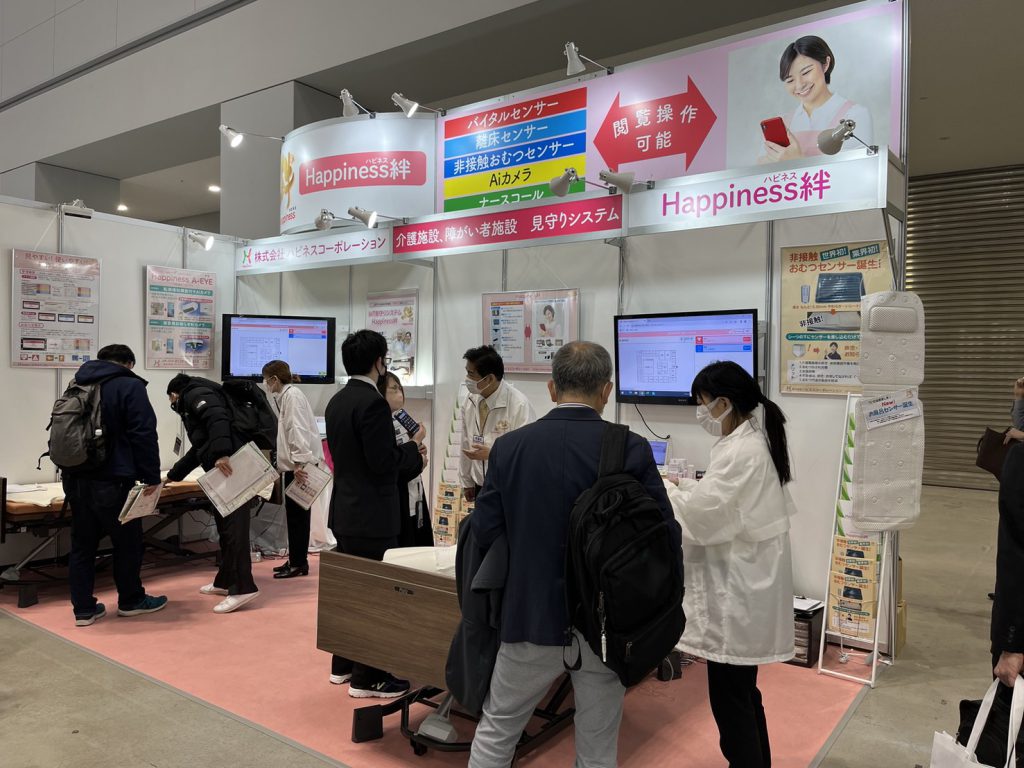
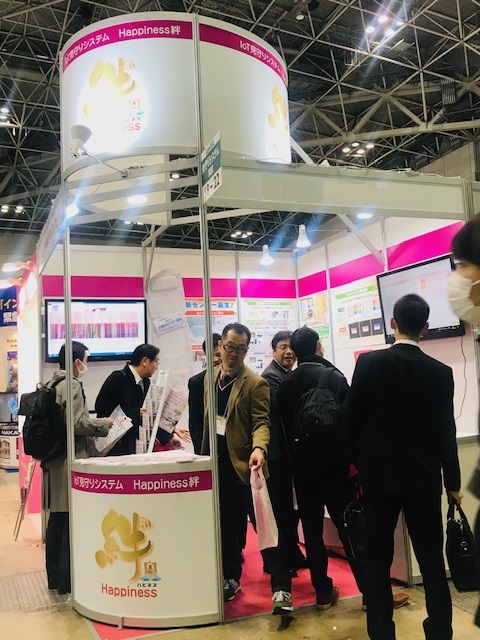
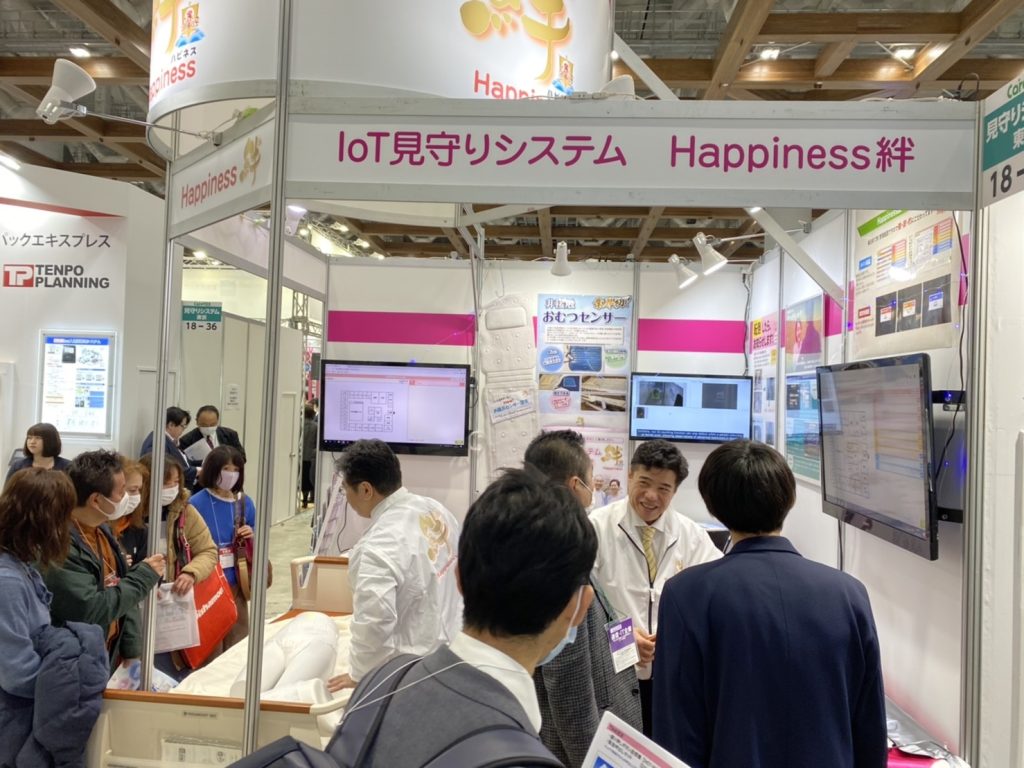
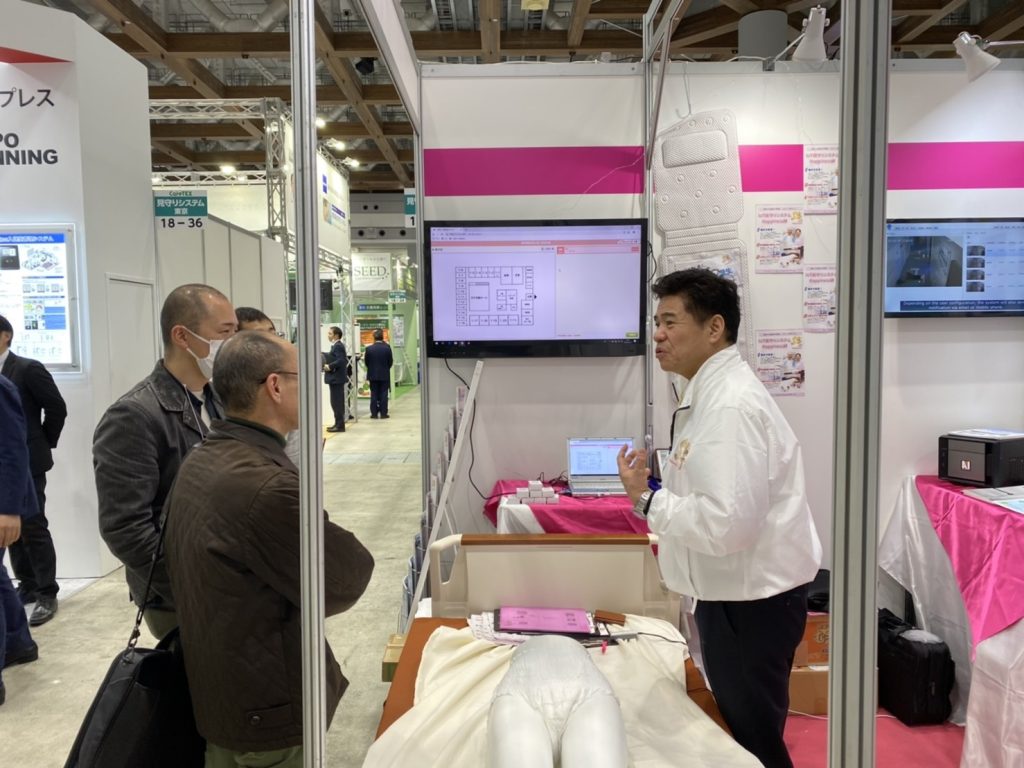
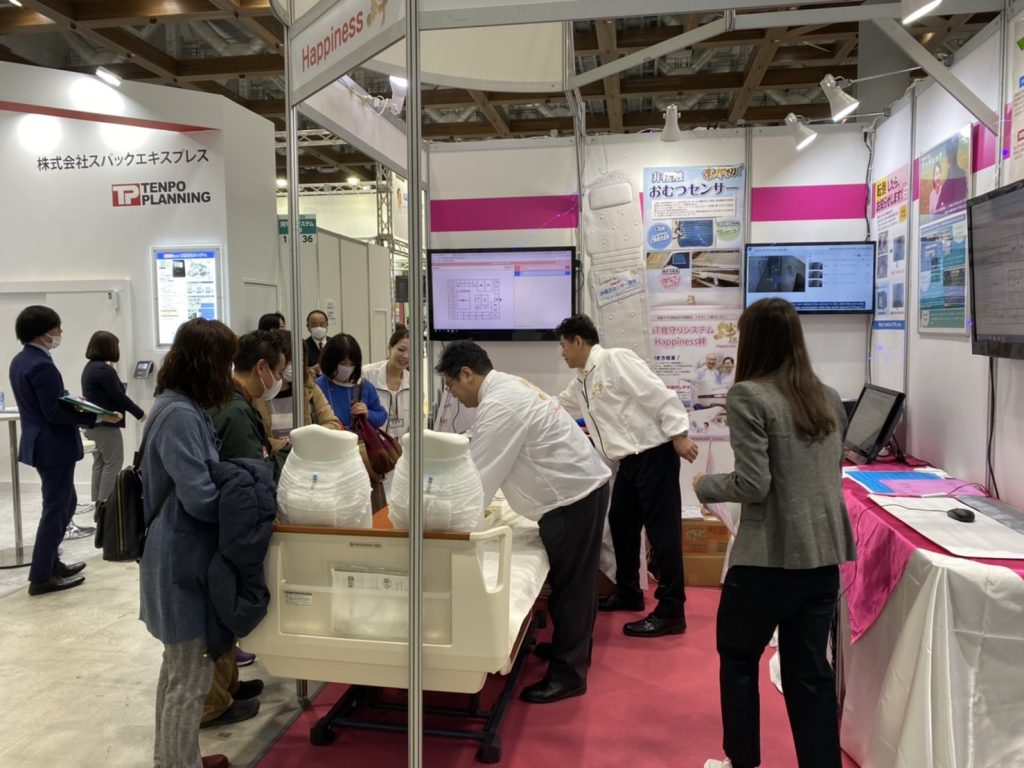
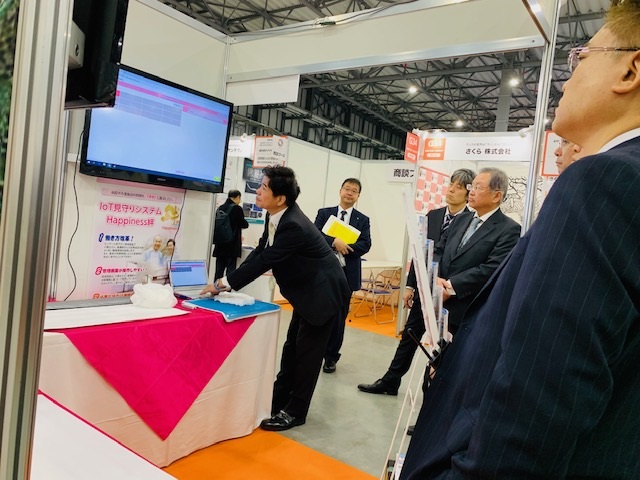
Past exhibitions




お問い合わせ
ご依頼、ご質問などありましたら、お気軽にお問い合わせください。